
File, Blob and the security model
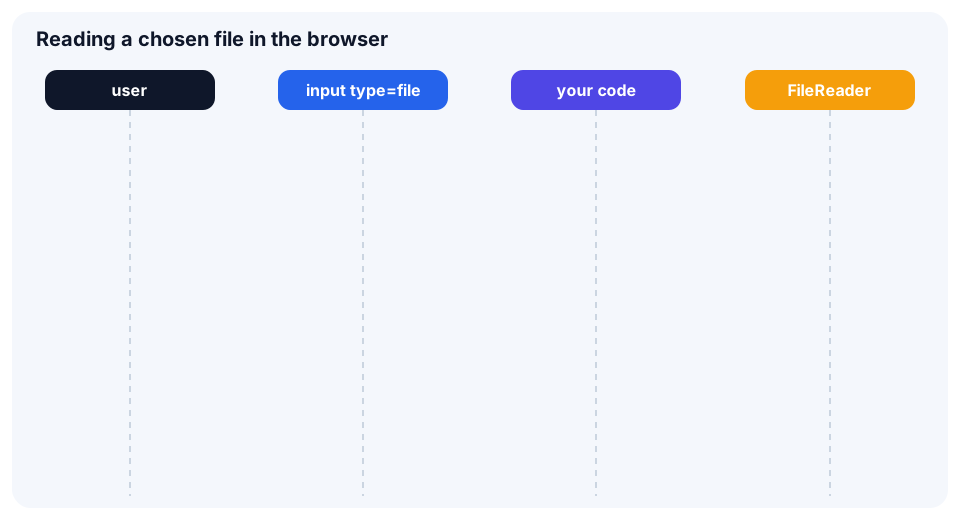
The browser gives a page no access to the user's disk. A file reaches your code as a File object only when the user picks it in the file dialog or drops it onto the page. The content is not read right away: the object is just a reference.
- A
Blobis immutable raw data with a type (type) and a size (size). - A
Fileis a subclass ofBlobthat addsnameandlastModified. FileReaderis the older event-based reading API, while Promise methods such asfile.text()are the new way.
💡 Node.js 20+ also has
BlobandFile, so many examples can be tried without a browser.
input[type=file] and validation
An input is enough to pick a file. multiple allows several files and accept filters the picker.
<input type="file" id="file" accept="image/*,.pdf" multiple>The chosen files are in input.files inside the change event. Suppose two files were chosen:
const input = document.querySelector('#file');

input.addEventListener('change', () => {
  const files = input.files;
  for (const file of files) {
    console.log(file.name, file.type, file.size);
  }
});
Validate first, then process: type and size.
const MAX_SIZE = 2 * 1024 * 1024;
const ALLOWED = ['image/png', 'image/jpeg'];

function validate(file) {
  if (!ALLOWED.includes(file.type)) return `type ${file.type} not allowed`;
  if (file.size > MAX_SIZE) return 'file is too large';
  return null;
}